

Two pinkies, ten thousand keystrokes
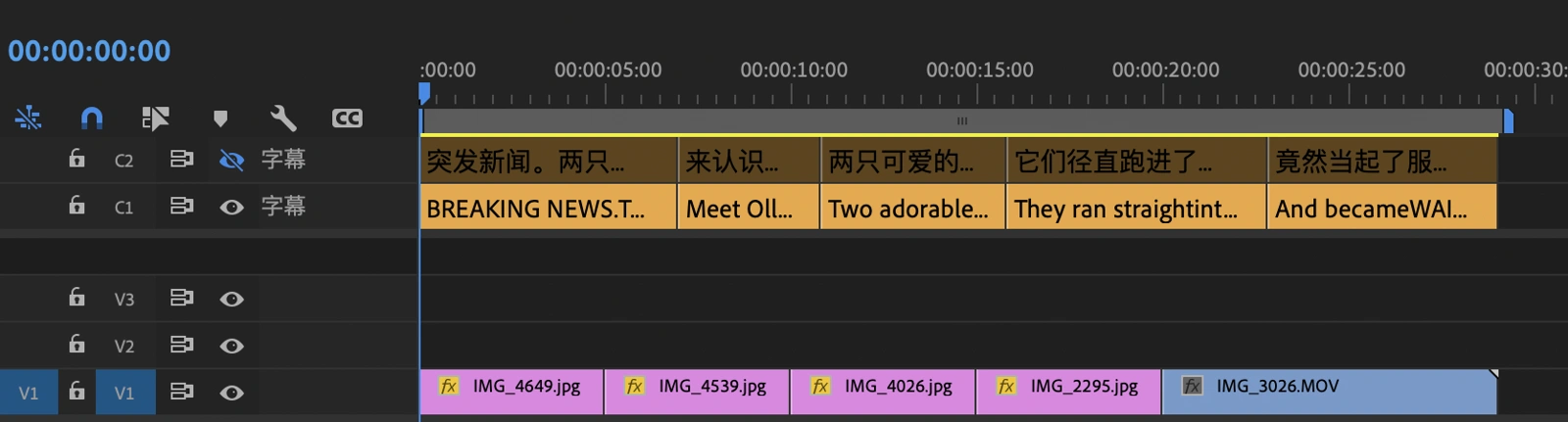
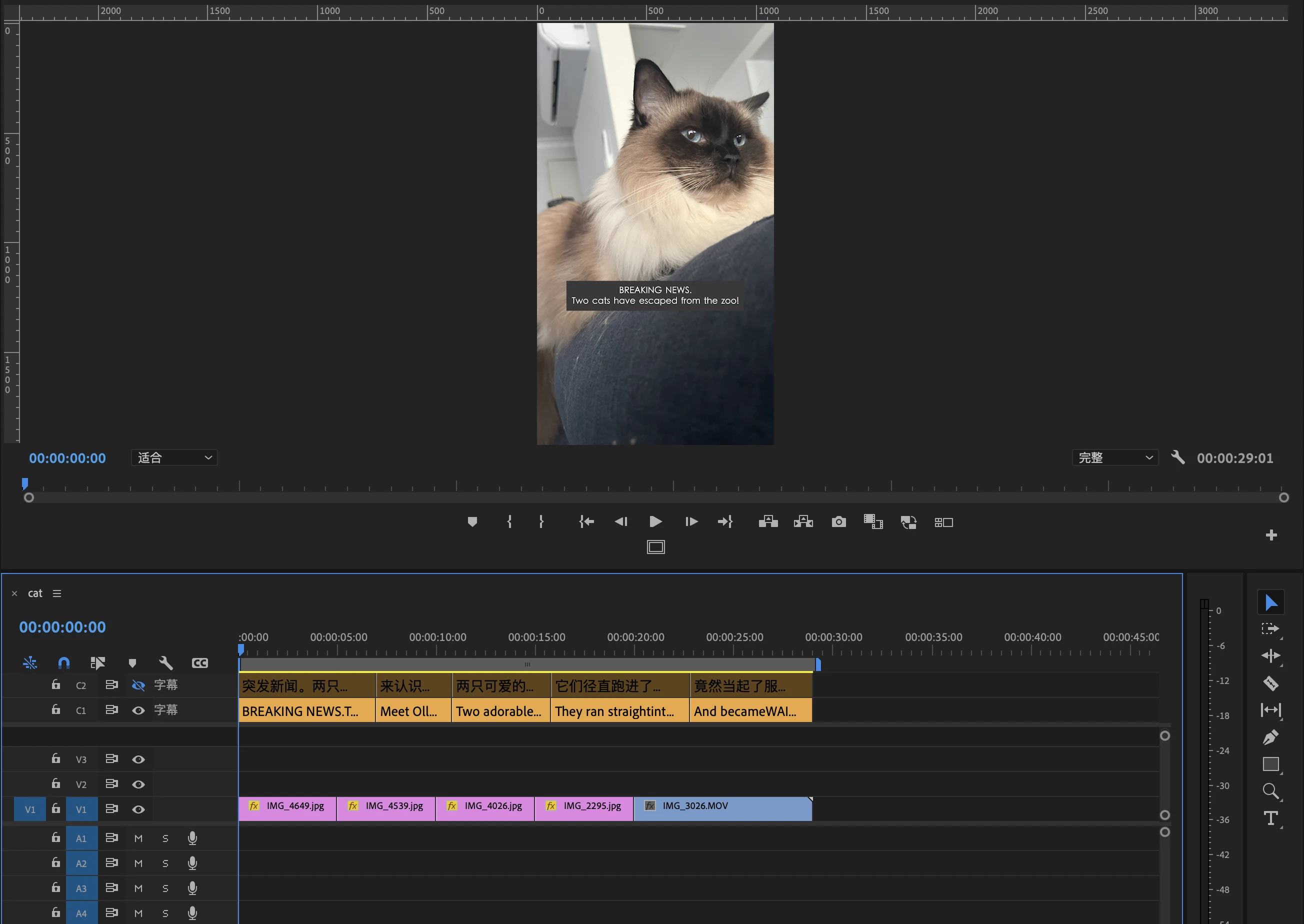
In a multilingual news environment, captioning is essential but punishing. Every news package and social clip needs subtitles that are perfectly timed and word-accurate — and the reference script almost always already exists. So the editor’s real task collapses into one thing: copying text from a script and pasting it onto the timeline, line by line.
It’s slow, repetitive, and physically taxing — the kind of low-value labour that quietly builds toward RSI. Cross-language content is harder still: when the script is a translation, it can never be matched directly against the original speech, so the timing has to be rebuilt entirely by hand.
Align the script you already have

XML for cross-language jobsAlign + reviewSRT + QC report
Pinky Saver takes the script the editor already has and does the aligning for them.
- It runs ASR (automatic speech recognition) to turn the voice track into text.
- It then uses Levenshtein character-level matching to align the authoritative script against that transcript — so the words on screen are always the real script, not the ASR’s best guess.
- For cross-language content, where speech and script can’t match, it reads the Premiere XML to locate the exact clip each soundbite sits in, then distributes the translated lines across that window by character count.
- It outputs a QC report and a Premiere-ready SRT file, ready to drop straight into the edit.
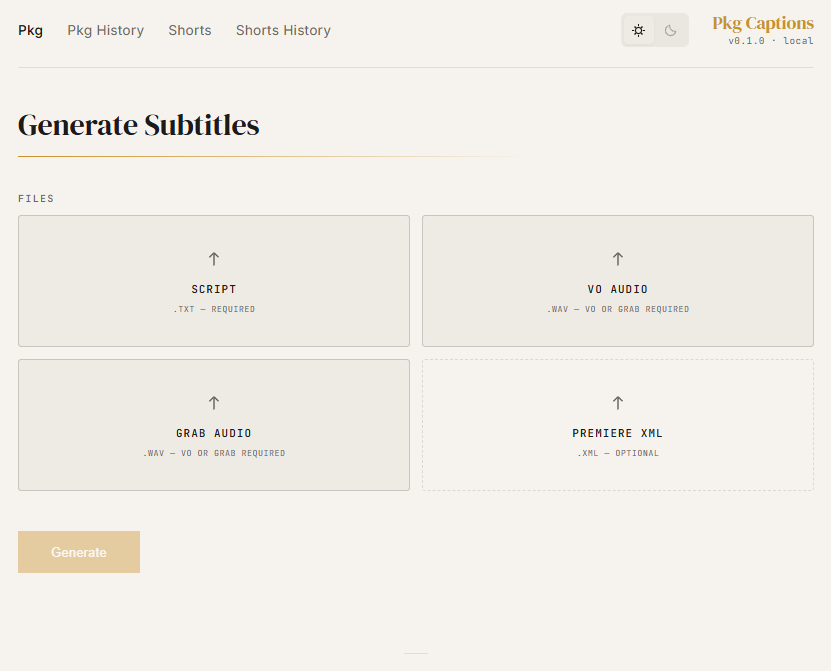
The whole workflow is: upload the script (plus the voice track and XML for cross-language jobs), click Generate, and within 2–3 minutes the caption file downloads locally. It began as a command-line tool and was rebuilt into a web platform so it’s usable by anyone, not just people comfortable in a terminal.
Once the ASR models are downloaded, Pinky Saver runs fully offline — no incoming or outgoing network traffic, and no audio, script, or footage ever leaves the organisation. For a newsroom handling sensitive material, that privacy guarantee matters as much as the speed.
An hour’s work becomes a check
Built for and in daily use by the SBS Chinese-language team, and now rolling out company-wide.
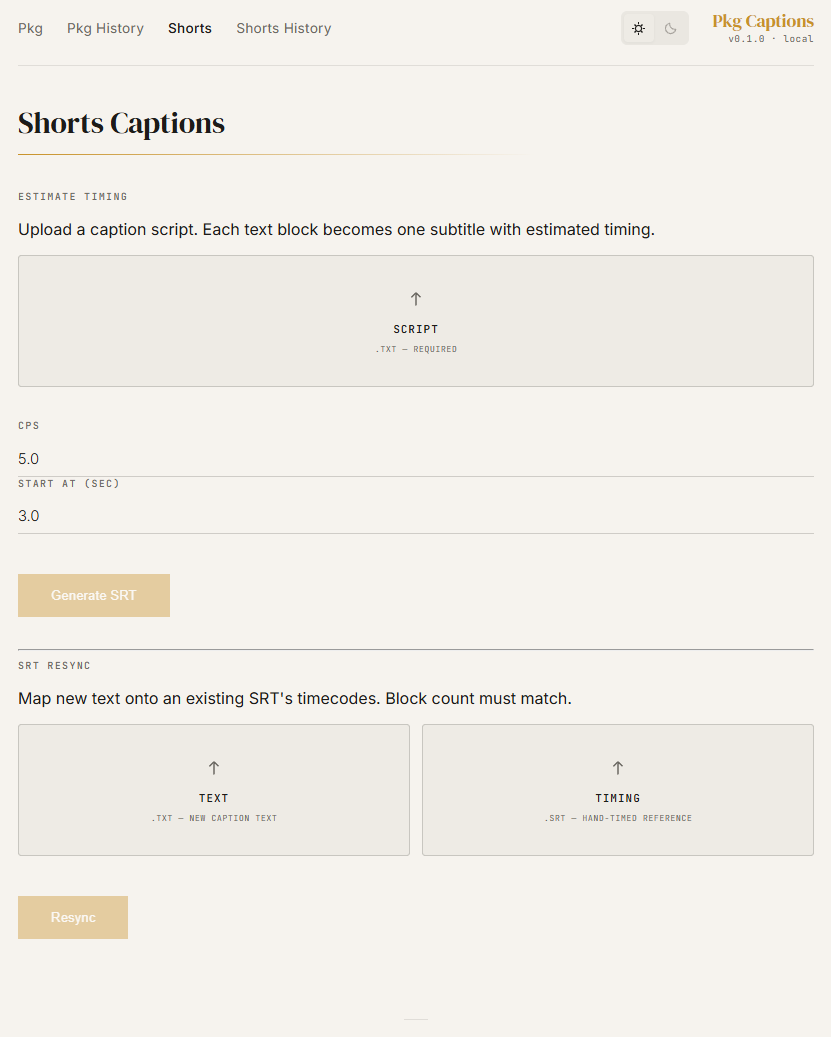
It also ships with a dedicated Shorts module (script in, styled captions out, following the in-house caption style guide) and a caption-remapping function that maps an existing SRT’s timecodes onto a script in another language. It currently supports Chinese, Cantonese and English, with an architecture built to extend to Arabic, Korean, Vietnamese and beyond.